
Digital Life · Account Management · Delete Accounts
How to Delete a Facebook Account Permanently
Permanently delete your Facebook account through Meta Accounts Center by checking backups, opening personal details, choosing account ownership and control, and confirming deletion.
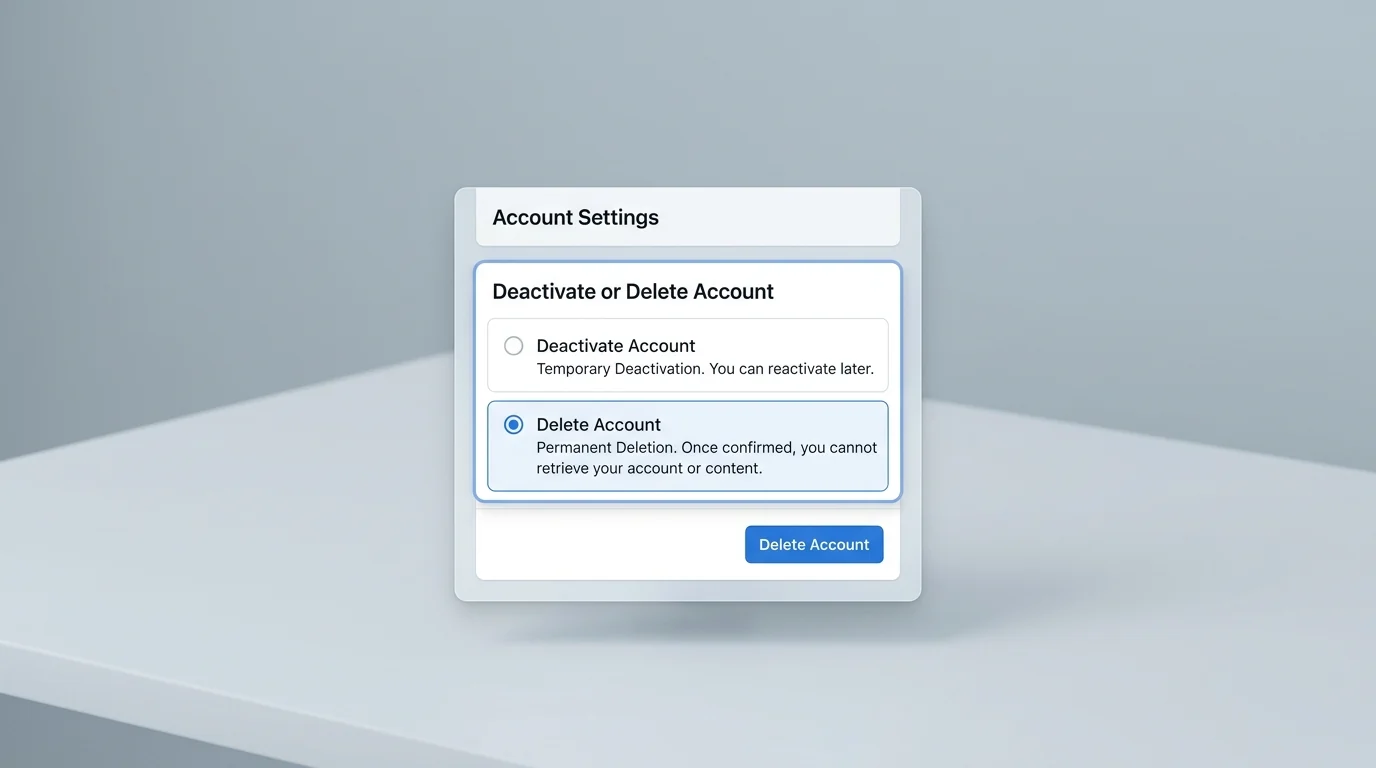
To permanently delete your Facebook account, open Facebook settings, go to Accounts Center, choose Personal details, then Account ownership and control, select Deactivation or deletion, choose your profile, and confirm Delete account.
- Time needed5–10 minutes
- DifficultyEasy
- Works onFacebook, Meta Accounts Center, iPhone, Android, desktop browser
- Last checkedJune 2026
Before you start
Permanent deletion is a serious account action. Before you request it, save photos, posts, messages, business assets, pages, ad accounts or login connections you still need. Also check whether you use Facebook Login for other websites or apps.
Do not delete the account until you are sure you can lose access to the profile, Messenger access connected to that profile, and any services that depend on Facebook Login.
Step-by-step guide
-
Download important Facebook information first
Open Facebook settings and look for the option to download or transfer your information. Save the archive somewhere safe before you continue. This is especially important for photos, messages, group content and business-related data.
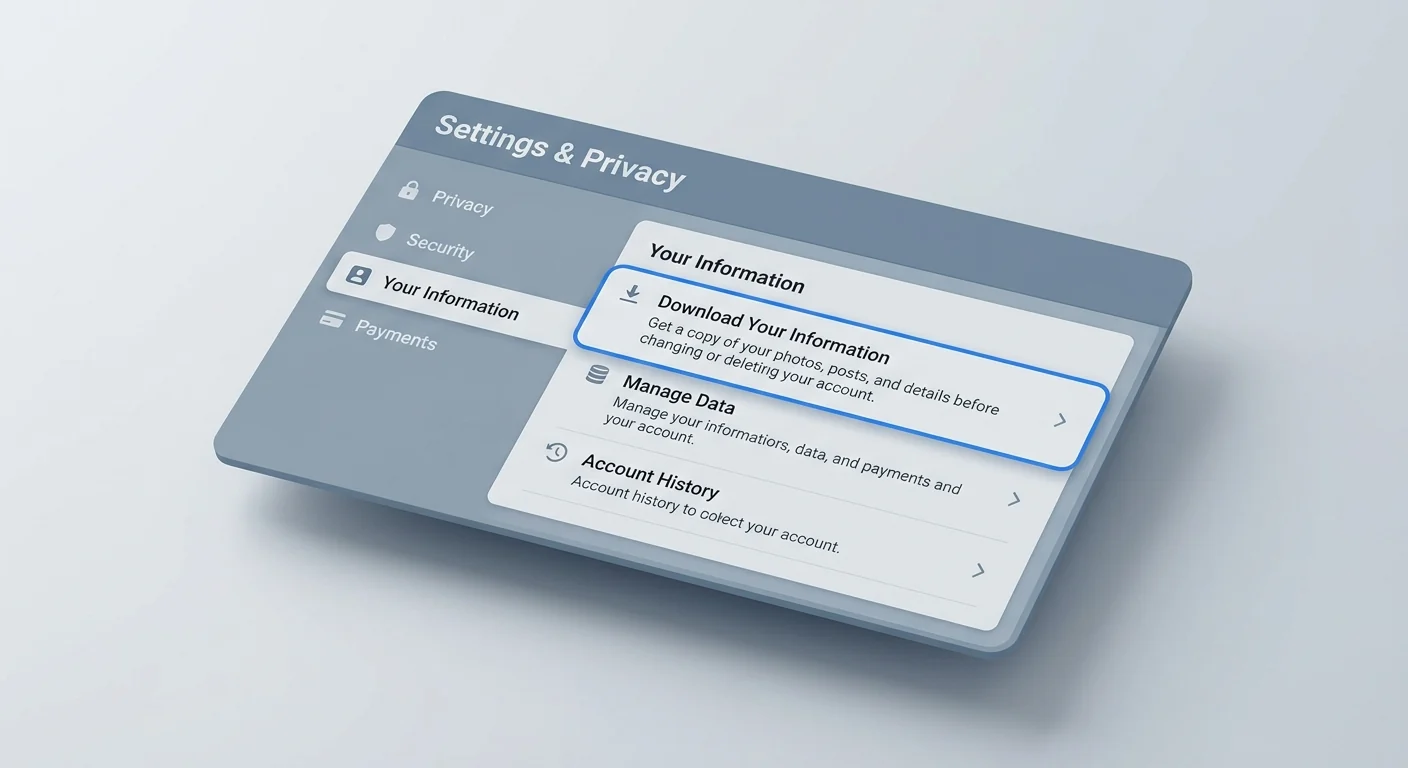
Save anything you want to keep before you start the permanent deletion process. -
Open Facebook settings
In the Facebook app, open Menu, then choose Settings & privacy and Settings. On desktop, click your profile picture, then open Settings & privacy → Settings.
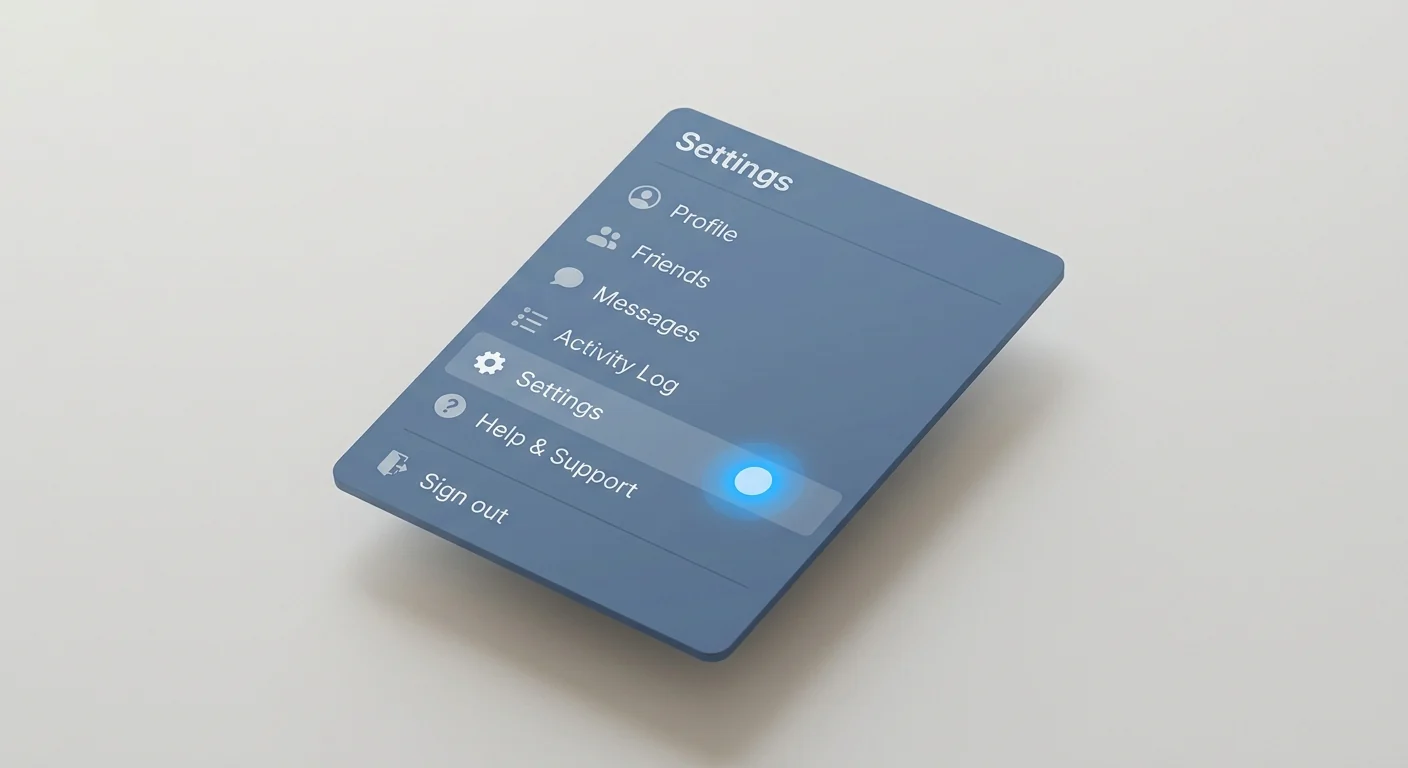
Start from Settings and privacy in the Facebook app or desktop menu. -
Go to Accounts Center
Tap or click See more in Accounts Center or Accounts Center. Then open Personal details. Interface wording can vary slightly by app version and region.
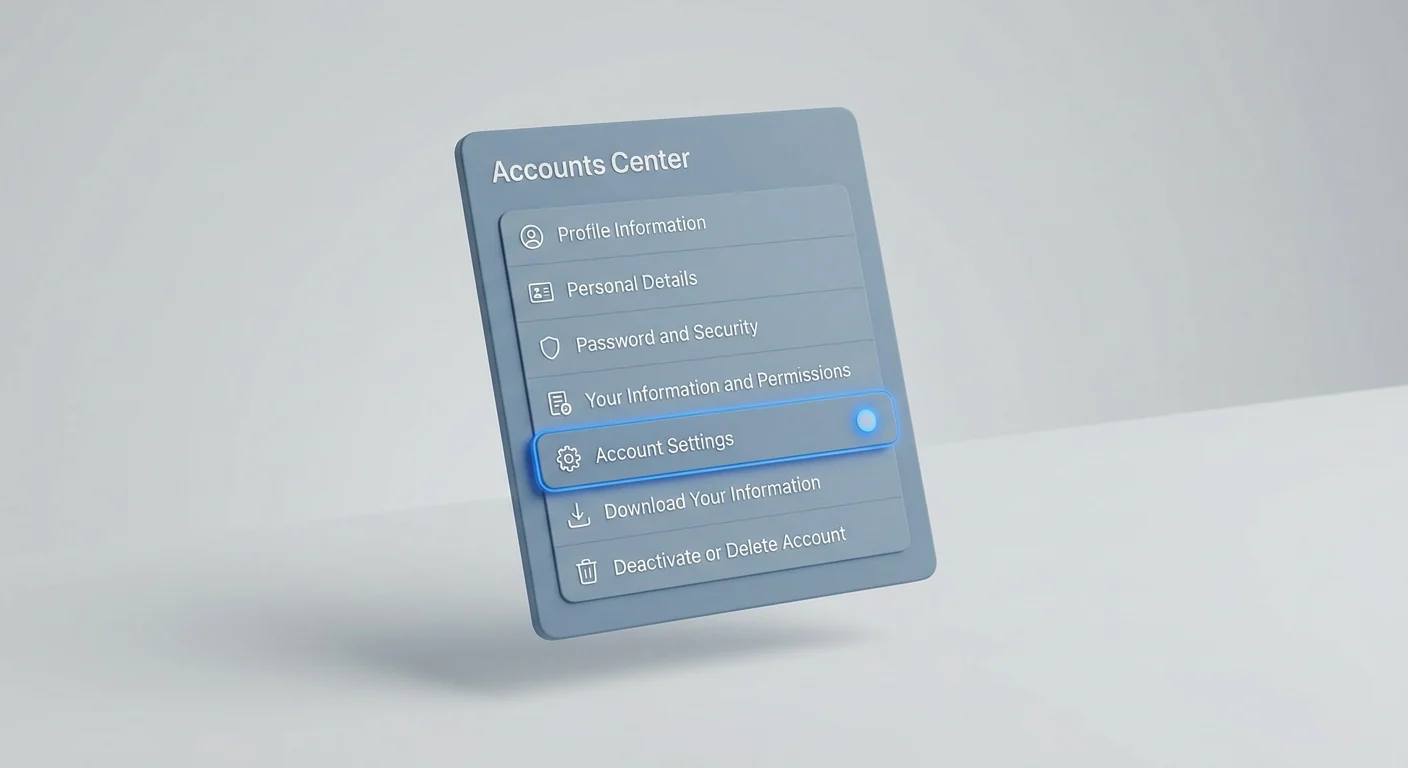
Meta manages Facebook deletion through Accounts Center on many accounts. -
Choose Account ownership and control
Select Account ownership and control, then choose Deactivation or deletion. Pick the Facebook account or profile that you want to remove.
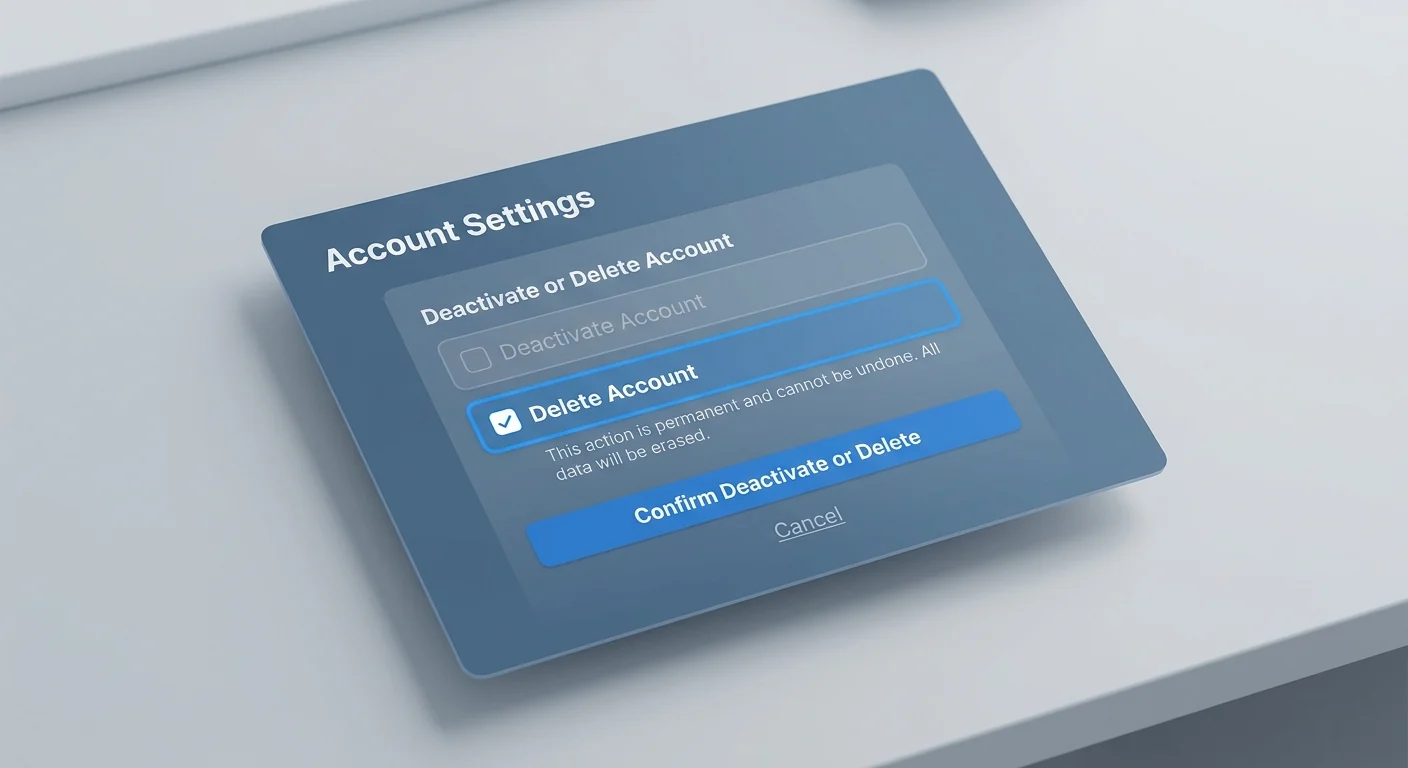
The deletion option is inside Account ownership and control. -
Select Delete account and confirm
Choose Delete account, continue through the explanation screens, enter your password if asked, and confirm. If you only want a break from Facebook, choose deactivation instead of permanent deletion.
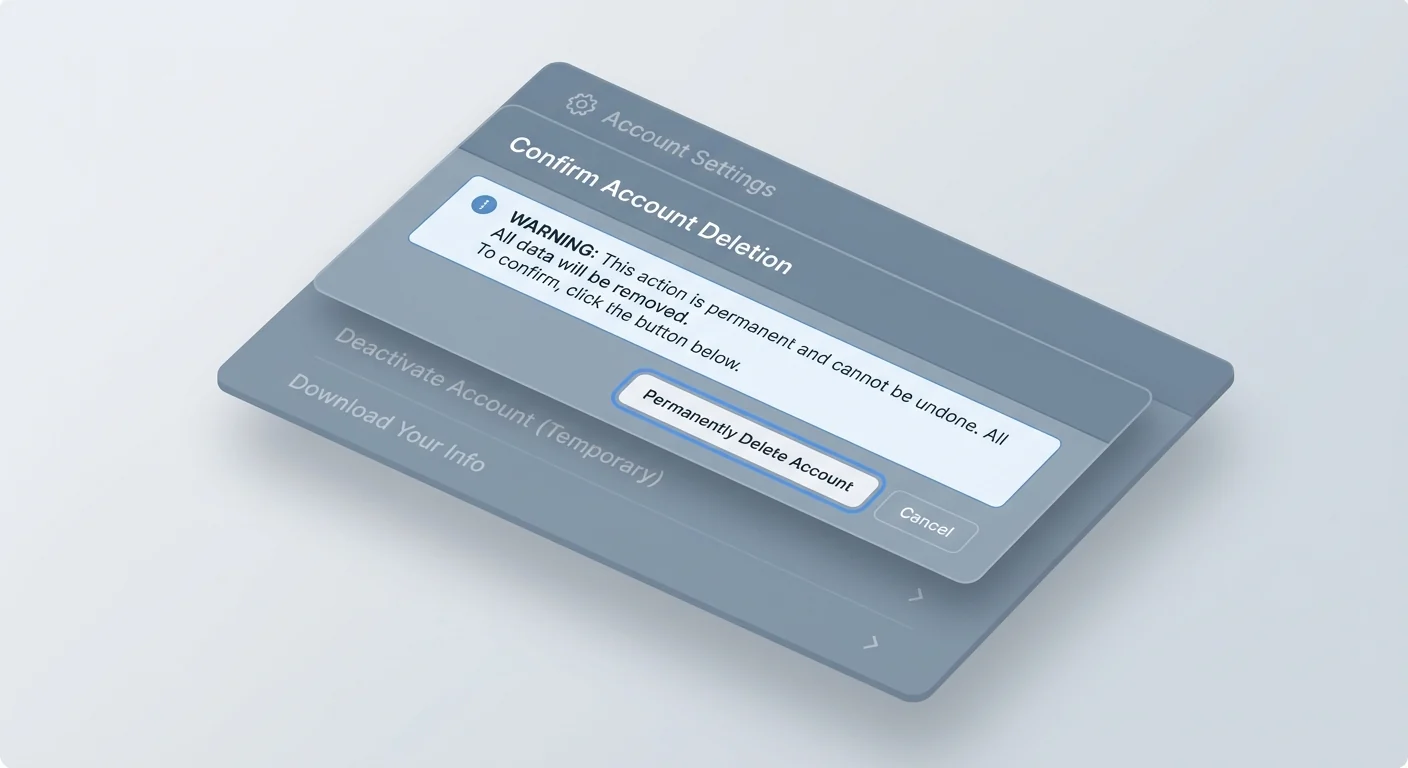
Read the final confirmation screen carefully before you submit the deletion request.
If you cannot find the option in the mobile app, try the desktop website. Meta documents both Accounts Center and older Facebook settings paths because not every account layout looks identical.
Common problems
| Problem | What to try |
|---|---|
| Accounts Center is not visible | Update the Facebook app or open Facebook in a desktop browser. |
| You only see deactivation | Make sure you selected the correct profile and continue to the screen where deletion is offered. |
| You manage a page or business asset | Transfer ownership or admin access before deleting your personal account. |
| You use Facebook Login elsewhere | Change login methods on important apps and websites before deleting the account. |
| You changed your mind | Follow Facebook’s current reactivation or cancellation instructions as soon as possible. |
FAQ
Is deleting Facebook the same as deactivating it?
No. Deactivation is temporary and can usually be reversed by signing back in. Permanent deletion is intended to remove the account after the deletion process is completed.
Should I download my Facebook information first?
Yes. Download photos, posts, messages or other information you want to keep before you request permanent deletion.
Where is the delete account option now?
Meta places the option in Accounts Center under Personal details, Account ownership and control, then Deactivation or deletion.
What if I cannot find Accounts Center?
Update the Facebook app or use a desktop browser. Meta also provides older Facebook settings paths for some account layouts.