Topic hub
Account Management
Delete accounts, recover access, cancel subscriptions and manage your data.
Cancel Subscriptions
 Digital LifeHow to Cancel Amazon Prime
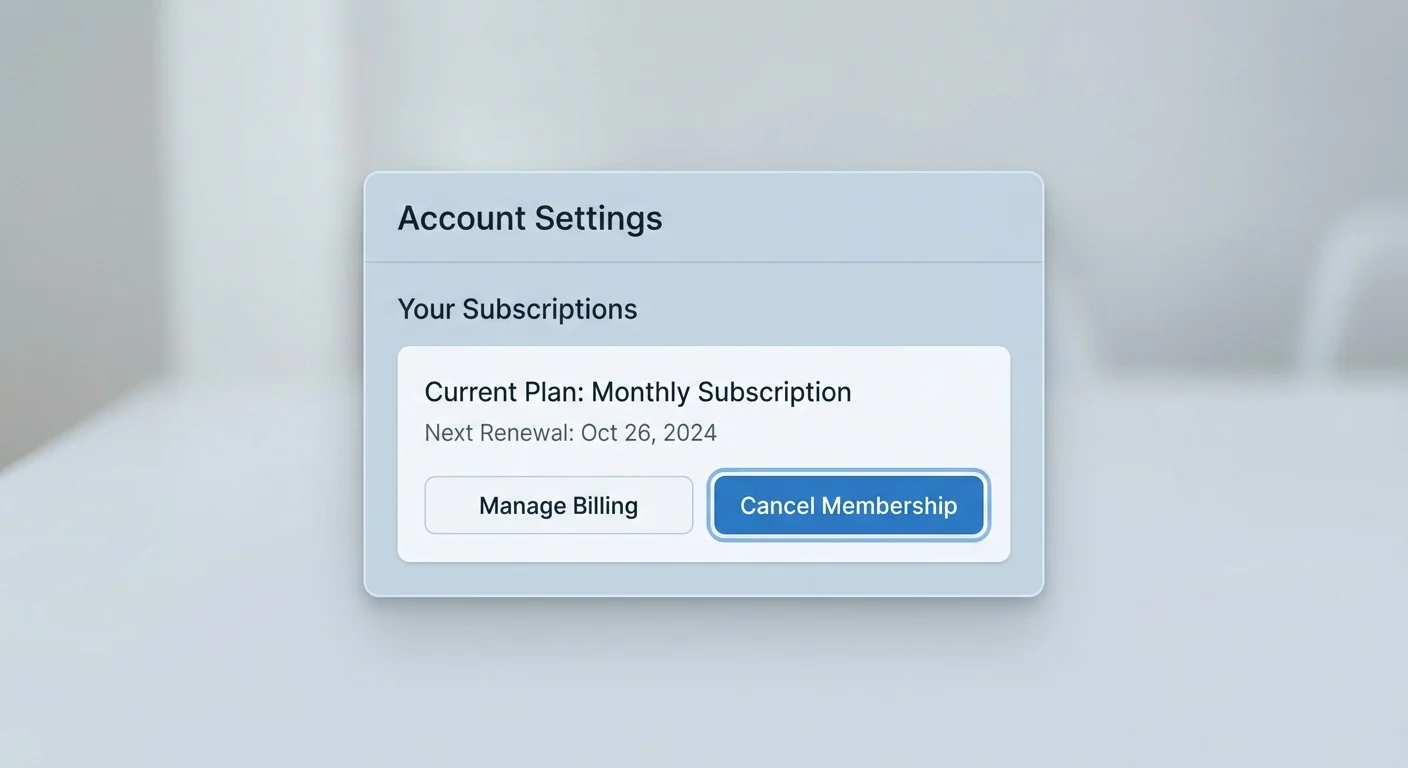
To cancel Amazon Prime, open Prime membership settings in your Amazon account and follow the end membership flow.
 Digital LifeHow to Cancel Spotify Premium
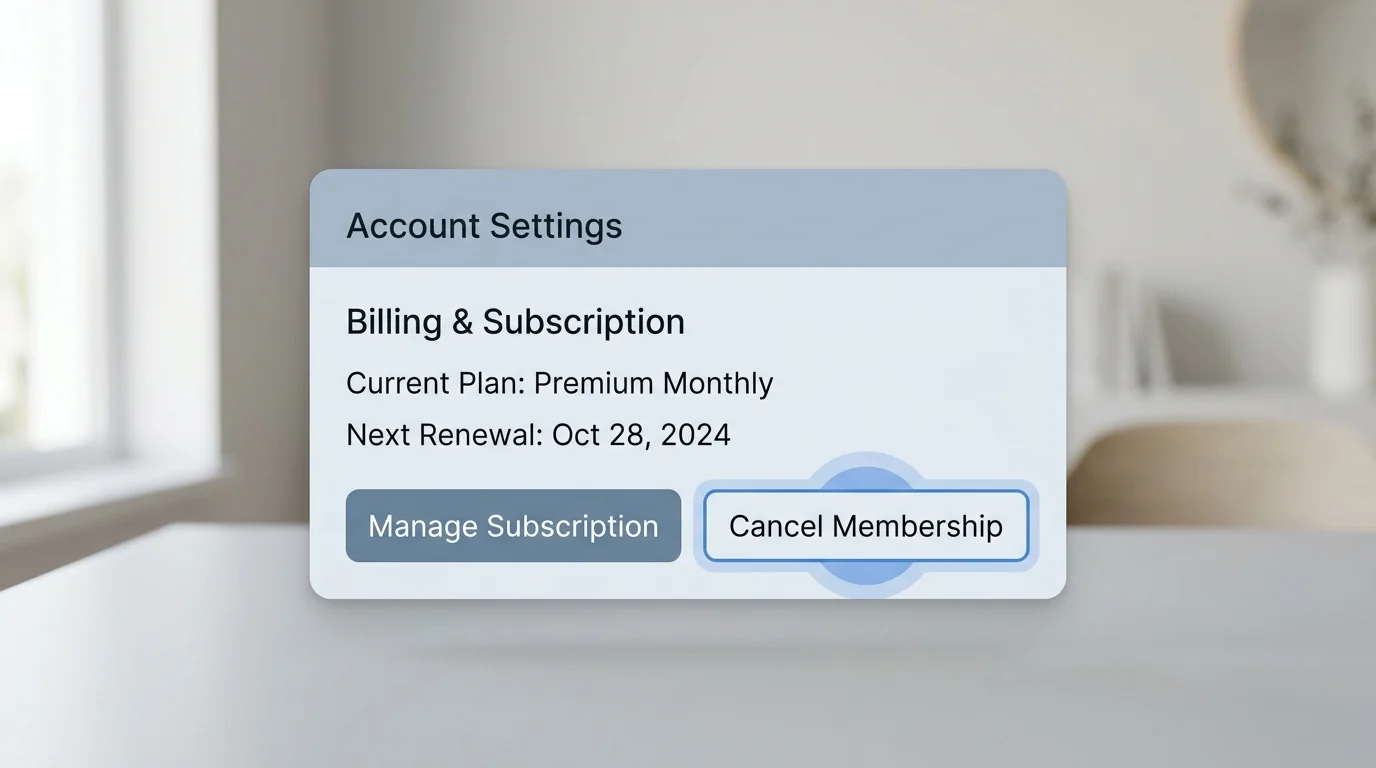
To cancel Spotify Premium, sign in to your Spotify account page in a browser, open your plan, and choose the option to cancel or change plan.
Subscriptions
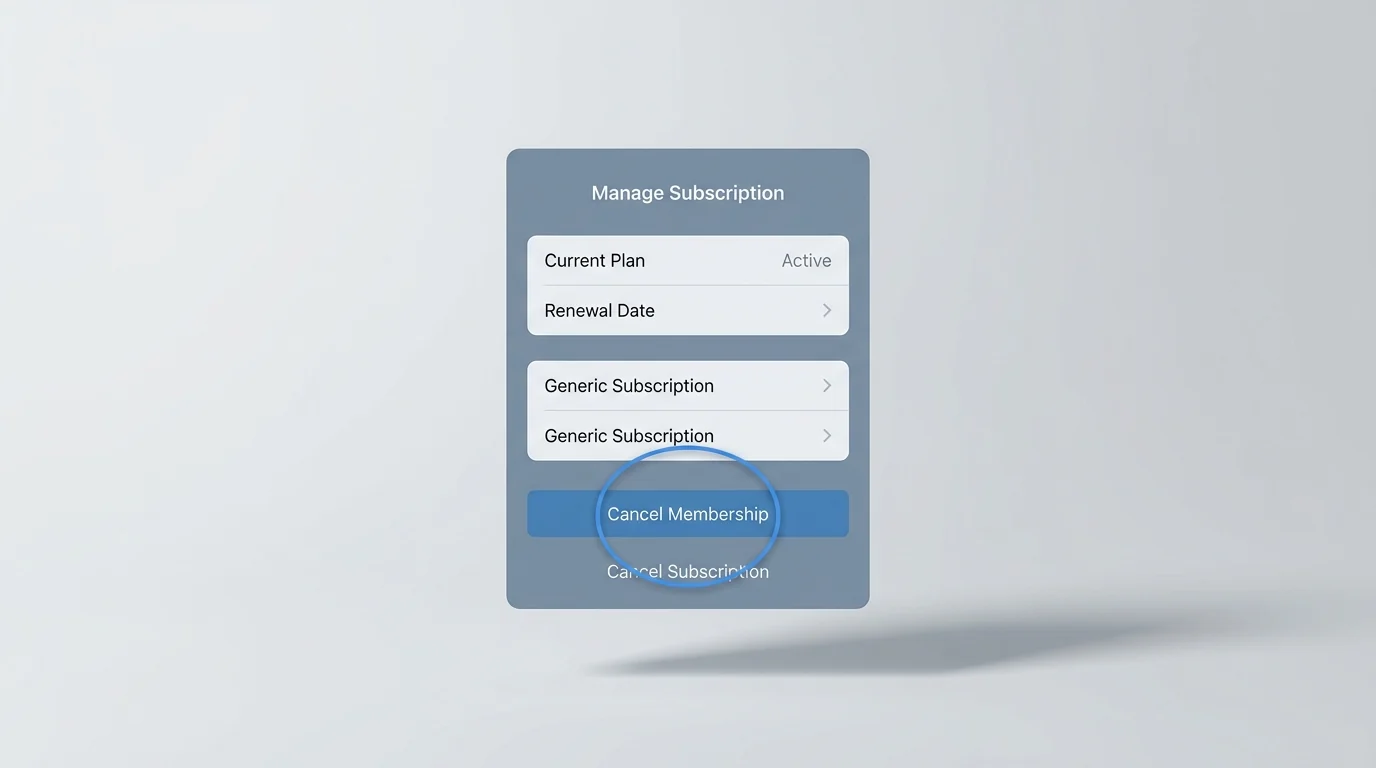
Account Management
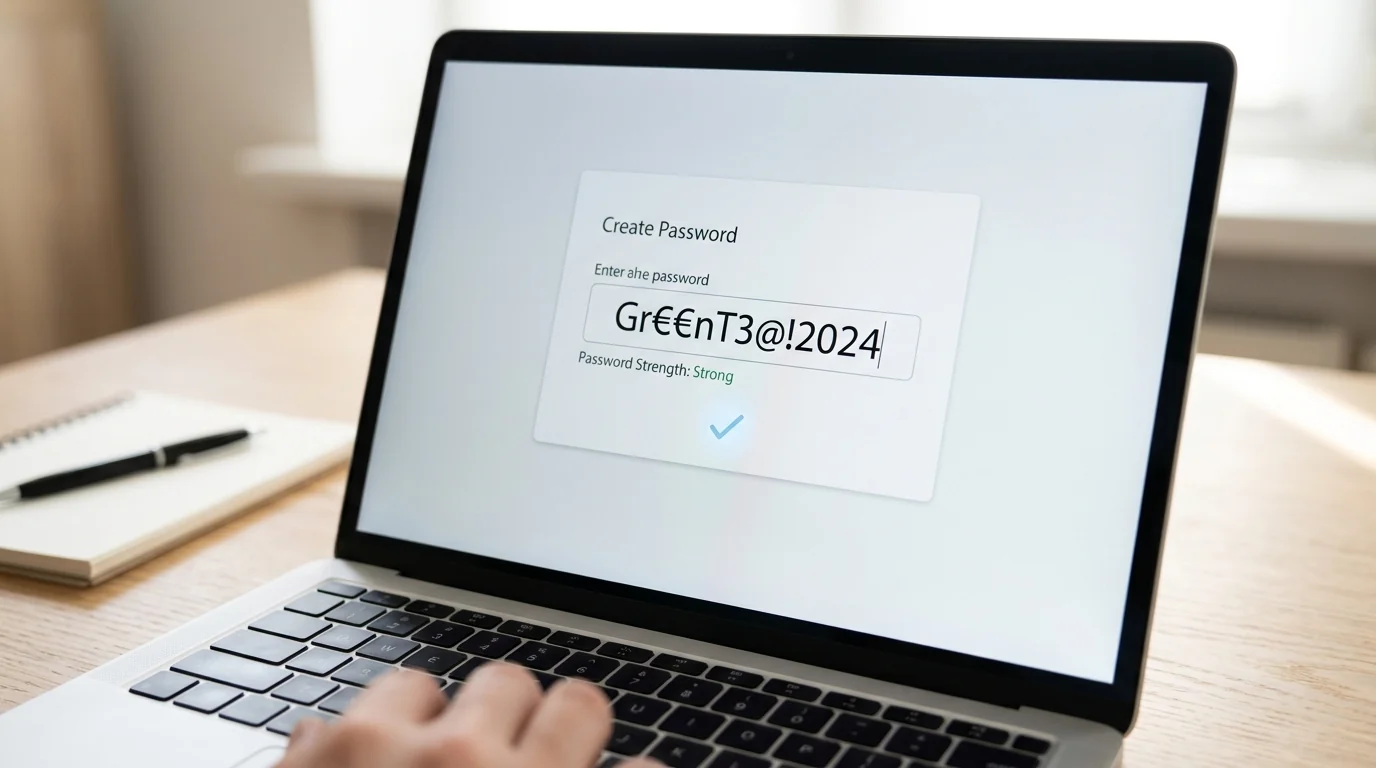 Digital LifeHow to Create Strong Passwords
How to Create Strong Passwords: explain how to create safer passwords without making them hard to use.
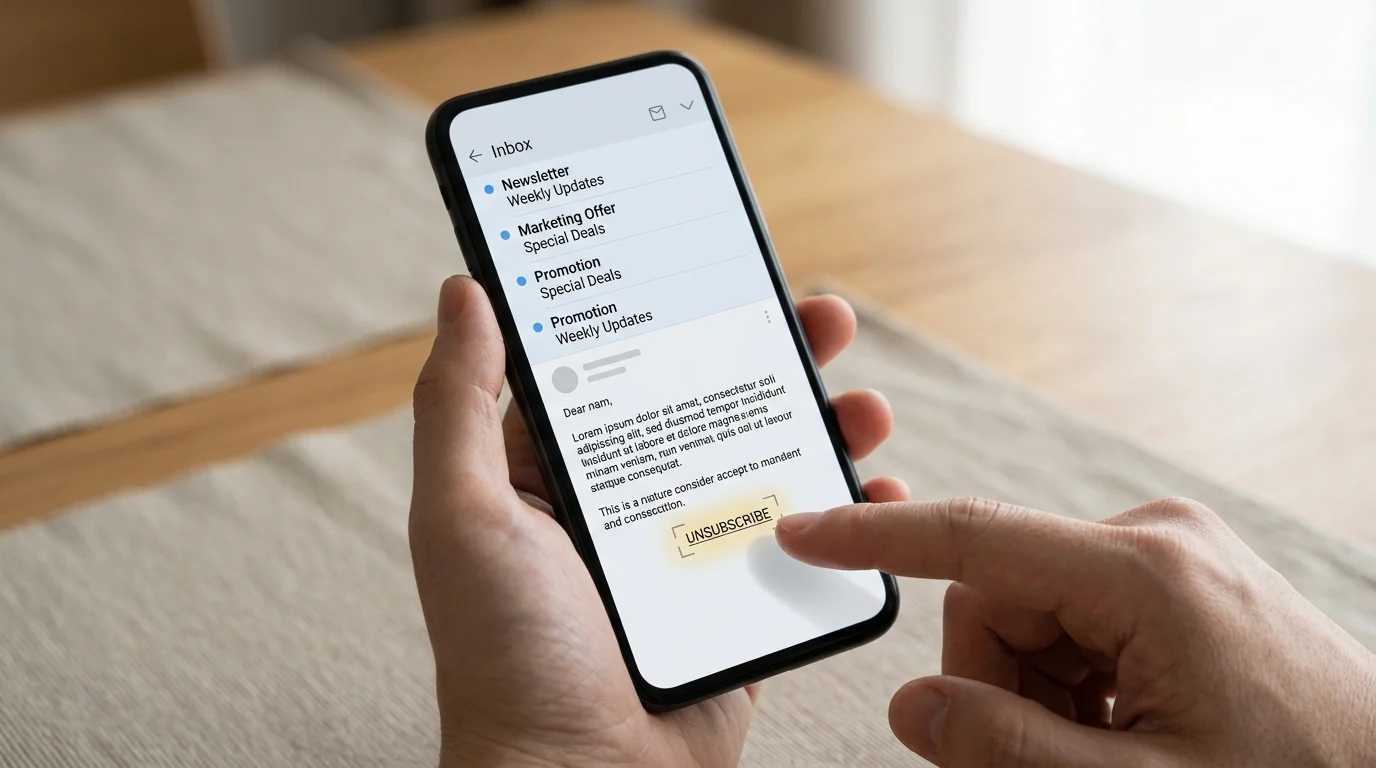 Digital LifeHow to Unsubscribe from Unwanted Emails
How to Unsubscribe from Unwanted Emails: help users unsubscribe safely without clicking risky spam links.
Delete Accounts
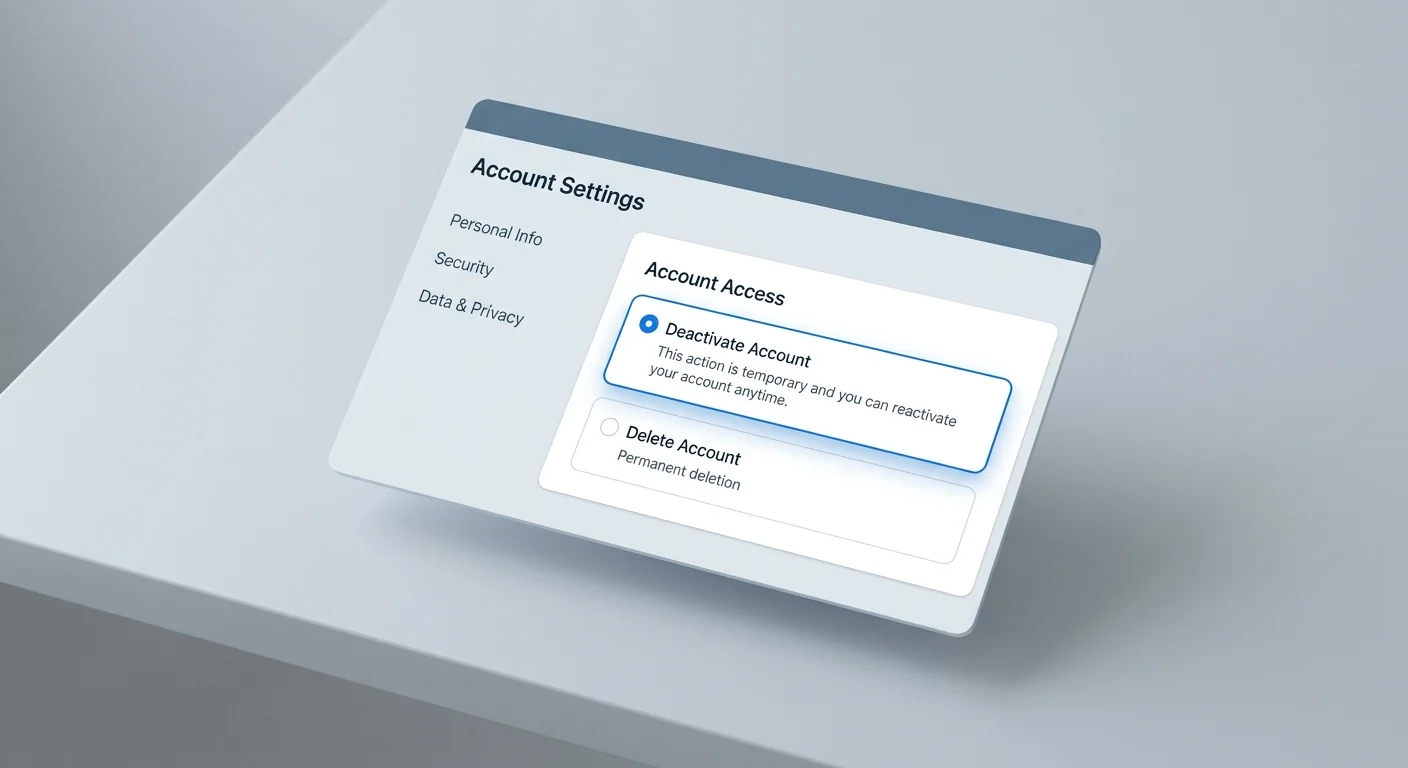 Digital LifeHow to Deactivate a Facebook Account
To deactivate Facebook, use Accounts Center and choose deactivation instead of deletion. This hides your profile without permanently removing the account.
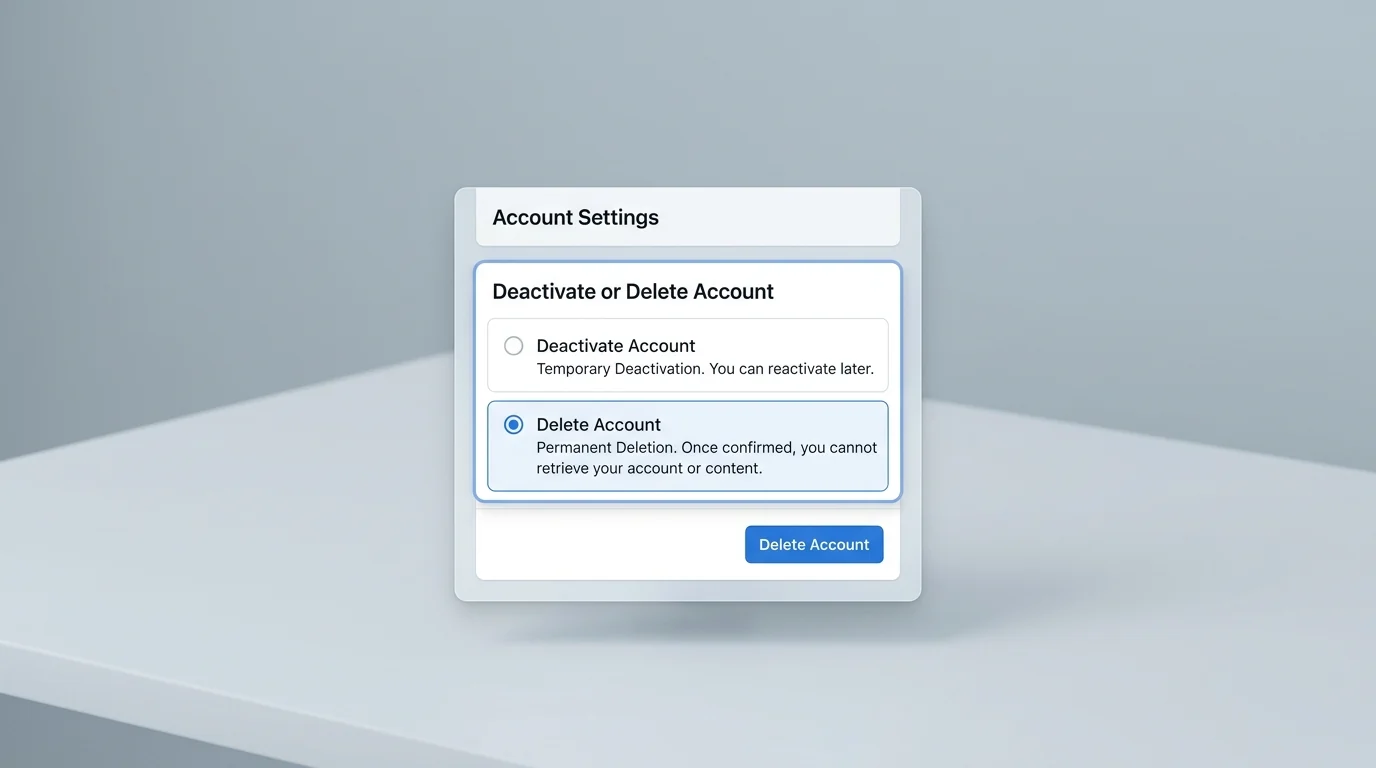 Digital LifeHow to Delete a Facebook Account Permanently
Permanently delete your Facebook account through Meta Accounts Center by checking backups, opening personal details, choosing account ownership and control, and confirming deletion.
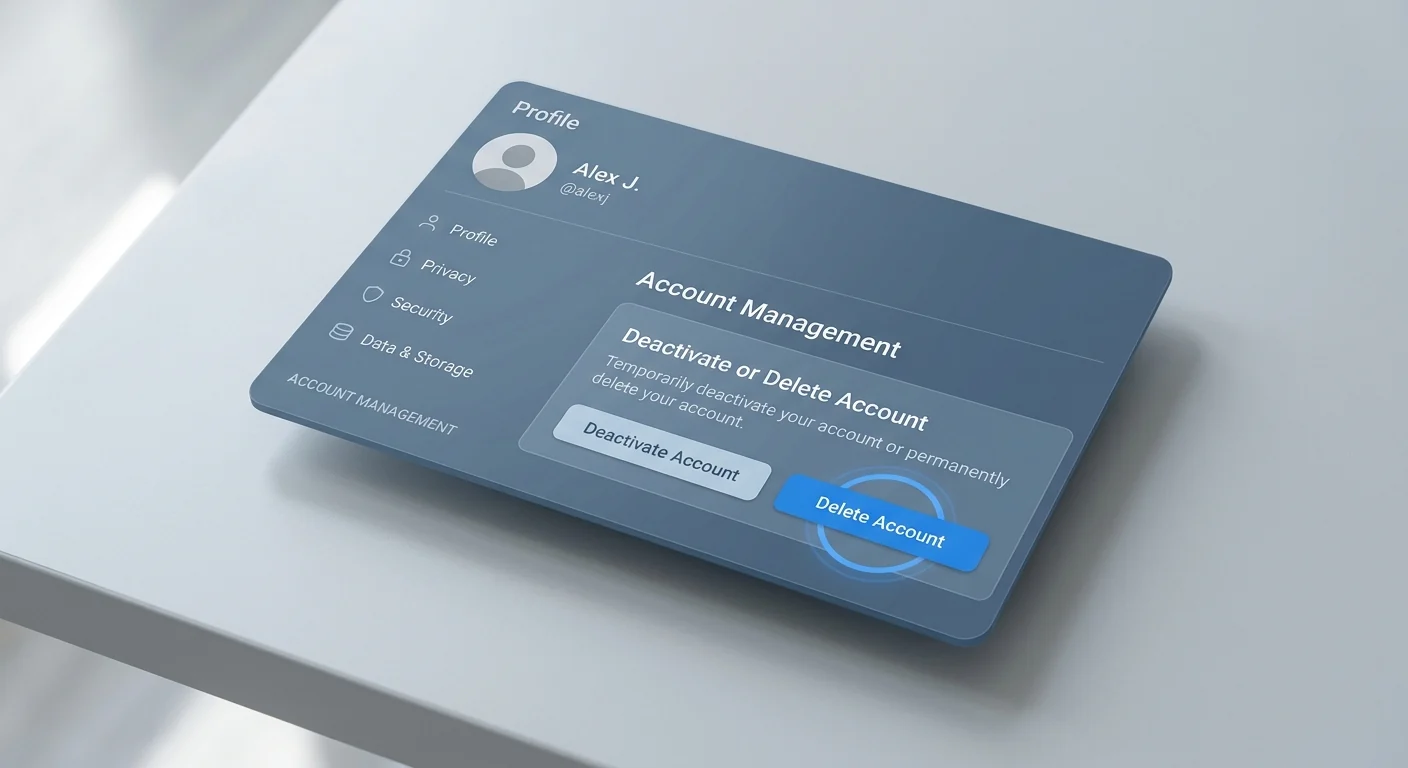 Digital LifeHow to Delete an Instagram Account
To delete Instagram, open Accounts Center, choose Account ownership and control, then select Deactivation or deletion for your Instagram profile.